
Why Automation Outperforms Willpower Every Time
Most people intend to save whatever is left over at the end of the month. The problem is that leftover money rarely exists - spending tends to expand to fill whatever is available. This is sometimes called lifestyle creep, and it affects nearly everyone regardless of income level.
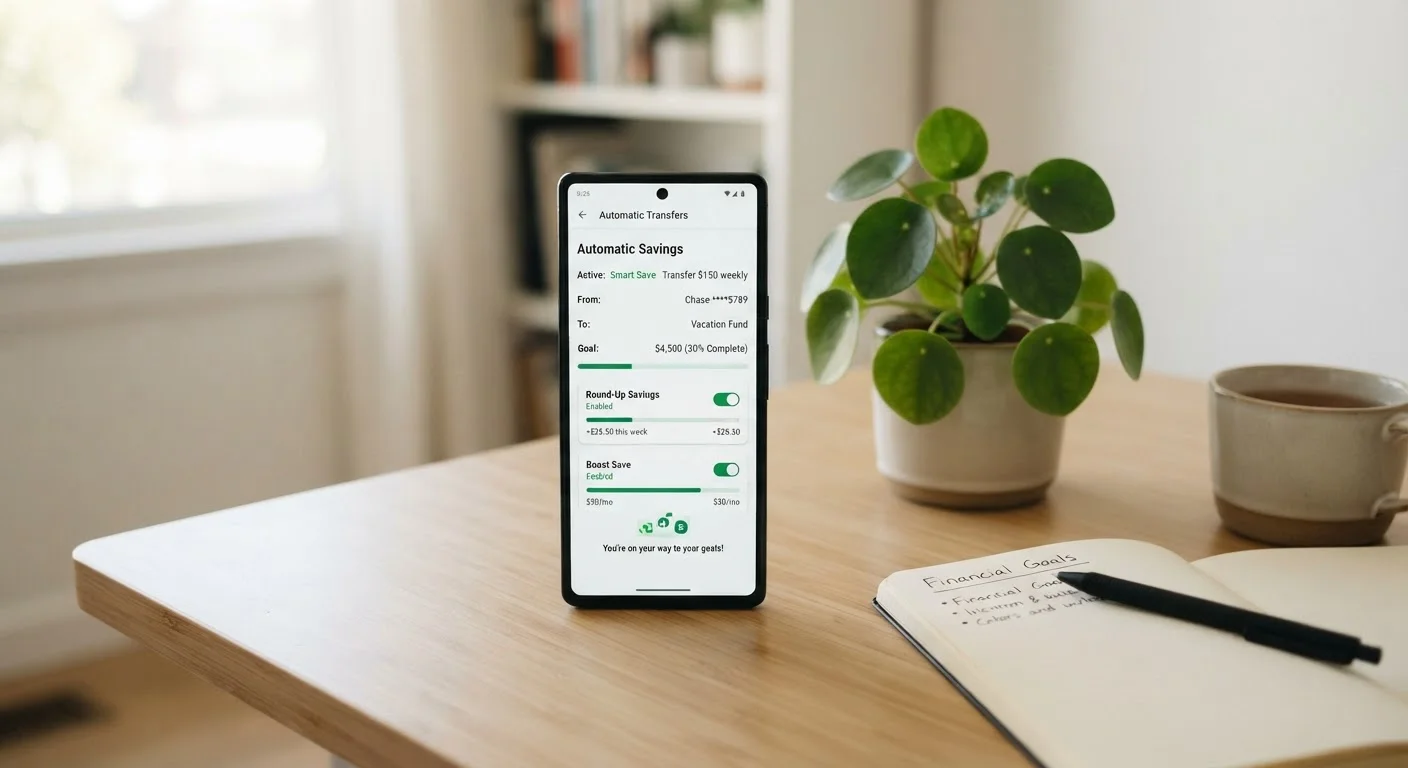
Automated saving flips the order. Instead of spending first and saving the remainder, money moves to a savings account immediately after it arrives. You never see it in your spending balance, so you adjust to living on what remains. Behavioral economists call this a commitment device - a system that removes a future decision you might otherwise make poorly.
Research in behavioral finance consistently finds that people save more when the process is automatic rather than intentional. The effort of manually transferring money each month creates friction, and that friction leads to skipped months, smaller amounts, or abandoning the habit altogether. Automation eliminates that friction entirely.
For a deeper look at building the broader habits that support consistent saving, see the saving habits that tend to stick over time.
Start Small - Consistency Beats Amount
It is far more effective to automate $30 per paycheck and never miss a transfer than to set an ambitious $300 amount you have to cancel after two months. Building the habit is the first win. Once saving feels routine, increasing the amount becomes much easier. Think of your first automated amount as a floor, not a ceiling.
What You Need Before You Set It Up
Before scheduling your first automatic transfer, spend five minutes on two things: picking a realistic amount and choosing the right account to receive it.
What you will need
Choose an Amount You Can Sustain
A common starting framework is the 50/30/20 rule, which suggests allocating roughly 20% of take-home pay toward savings and financial goals. But if 20% feels impossible right now, start with whatever you can manage consistently - even $25 per paycheck builds a habit and a buffer. You can increase the amount later once the behavior is established.
Pick a Dedicated Savings Account
Your automatic transfer should land in an account that is separate from your everyday checking. Keeping savings out of your daily balance reduces the temptation to dip into it. A basic savings account at your current bank works fine to start. The goal right now is consistency, not the highest interest rate.
For the full picture on building a saving foundation - including goal-setting and mindset - see our complete guide to smart saving.
How to Set Up Automatic Transfers: Step by Step
The actual mechanics are straightforward. Most banks and credit unions offer recurring transfer tools inside their online banking portal or mobile app. Follow the steps below and you can have automation running within a single sitting.
Log in to your bank's online or mobile platform
Open your bank's website or app and navigate to the transfers section. This is usually labeled Transfers, Move Money, or something similar in the main menu.
Select your source and destination accounts
Choose your primary checking account as the from account and your savings account as the to account. If your savings account is at a different bank, you may need to link it first using your routing and account numbers - a process that typically takes one to three business days to verify.
Enter the transfer amount
Type in the dollar amount you decided on before starting. If you are unsure, start conservatively. You can always edit the amount later - the priority is getting the automation running.
Set the frequency and start date
Choose how often the transfer repeats - weekly, biweekly, or monthly are the most common options. Set the start date to coincide with your payday or one to two days after it. This ensures the money is in your account before it moves, preventing overdrafts.
Confirm and save the recurring transfer
Review all the details - amount, frequency, start date, and destination - then confirm. Most platforms will send you a confirmation email or in-app notification. Save or screenshot this for your records.
Your automation is now active. The first transfer will occur on the date you selected, and it will repeat automatically on the schedule you chose.
This article is for general informational and educational purposes only. It is not personalized financial advice. Please consult a qualified financial professional before making decisions based on your individual circumstances.
Keeping It Working Over Time
Setting up automation is not a one-time fix you can ignore permanently. Life changes - income, expenses, and goals shift - and your automated saving should reflect those changes.
Schedule a brief check-in every three to six months. Ask yourself: Has my income changed? Have my savings goals been reached or updated? Can I increase the transfer amount by even $10 or $25? Small, incremental increases over time can significantly grow the total you save annually without feeling like a sacrifice.
If you hit a difficult financial month - an unexpected bill or reduced income - it is better to temporarily lower your automated amount than to cancel the automation entirely. Keeping some version of the habit alive is far more valuable than pausing it and hoping to restart manually.
Once your emergency fund is established and automatic saving is routine, the next logical step is directing some of those savings toward long-term goals. See how to automate retirement contributions to understand how the same principle applies to building long-term wealth.